
StalkerTV2.3.98 - Google Play
You'll be able to see results in few seconds.
Publisher Description
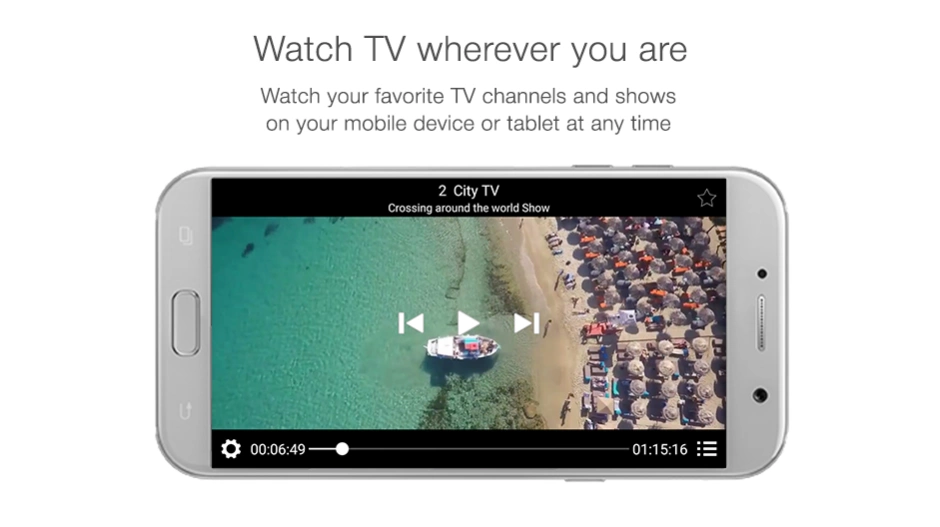
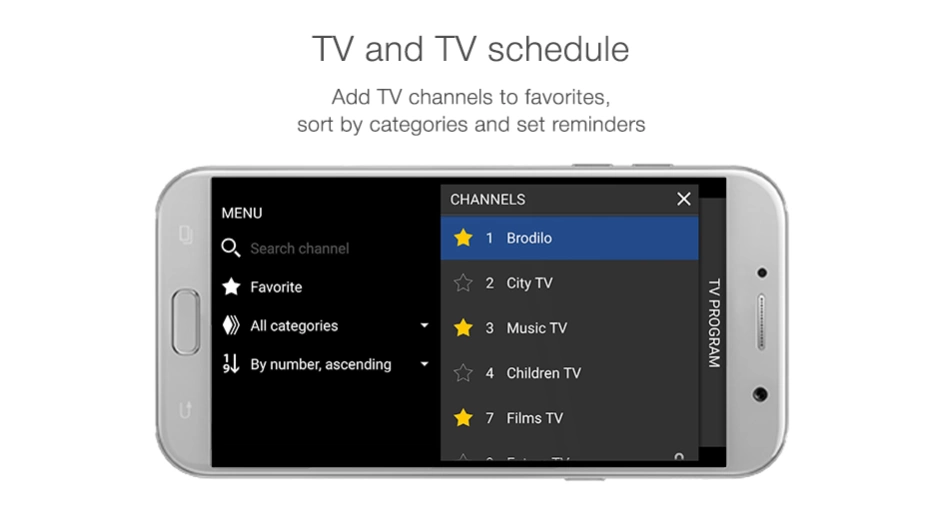
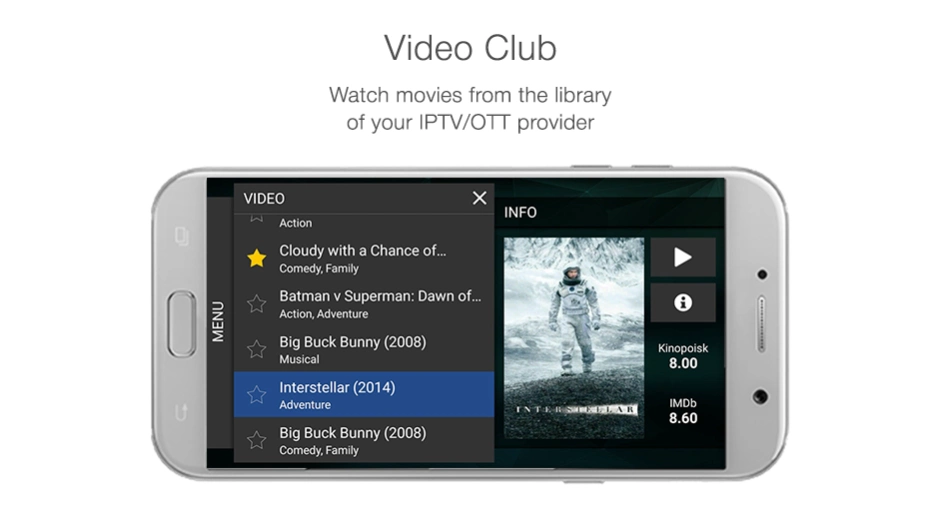
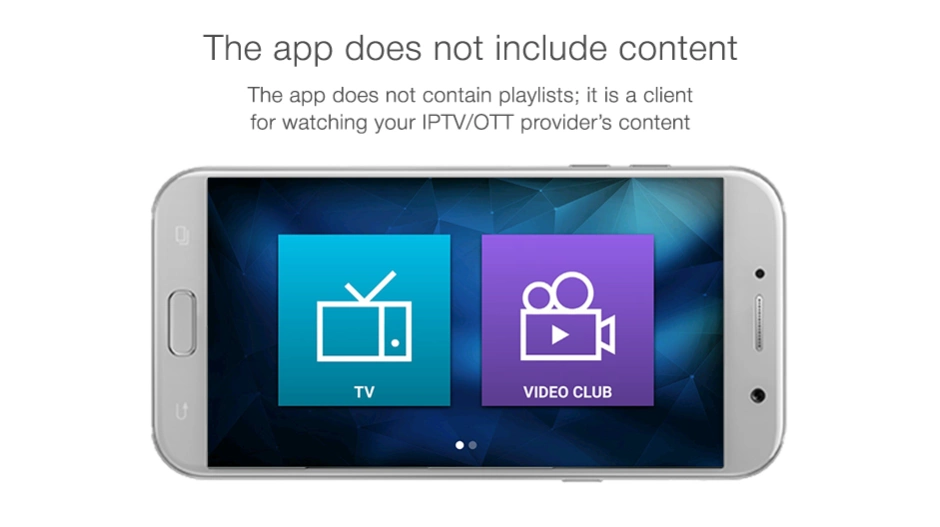
The video player for viewing content from your IPTV/OTT/VoD provider
StalkerTV for Set-Top Boxes is the video player for content from your IPTV/OTT/VoD providers who use Stalker Middleware or Ministra TV platform from Infomir.
The app works on:
- Android TV set-top boxes
- Android smartphones
- Android tablets
You need a valid subscription with an IPTV/OTT/VoD provider to watch TV channels and movies. This app does not offer any video or audio content itself.
With the StalkerTV for STB app you can:
- watch TV channels, movies, and TV shows in the portrait or landscape mode;
- listen to radio stations;
- add TV channels to favorites.
A complete list of available services depends on your IPTV provider offer according to your subscription plan.
*Before buying the app, please contact your digital IPTV provider.
1. Make sure that your content provider:
— uses Stalker Middleware 5.1+ or Ministra TV platform;
— is ready to give you access to content through this app
2. Ask your content provider for the following:
— username and password to log in to the app;
— portal URL
Please note:
All content is granted by your IPTV provider. If you have problems with viewing programs or would like to add or remove TV channels — please contact your provider directly.
You need an active Internet connection to watch content. Connectivity charges from your mobile operator may apply; please check it with your mobile operator directly.
If you have any questions regarding access to content, or you’d like to clarify the cost of connection and subscription plans, please contact your IPTV service provider for assistance.
Feel free to contact the Infomir Service Desk to get assistance about installation or use of the application at infomir.eu/support or email us at ministra@infomir.com.
About StalkerTV
The company that develops StalkerTV is Infomir. The latest version released by its developer is 2.3.98.
To install StalkerTV on your Android device, just click the green Continue To App button above to start the installation process. The app is listed on our website since 2019-09-03 and was downloaded 0 times. We have already checked if the download link is safe, however for your own protection we recommend that you scan the downloaded app with your antivirus. Your antivirus may detect the StalkerTV as malware as malware if the download link to com.infomir.stalkertv is broken.
How to install StalkerTV on your Android device:
- Click on the Continue To App button on our website. This will redirect you to Google Play.
- Once the StalkerTV is shown in the Google Play listing of your Android device, you can start its download and installation. Tap on the Install button located below the search bar and to the right of the app icon.
- A pop-up window with the permissions required by StalkerTV will be shown. Click on Accept to continue the process.
- StalkerTV will be downloaded onto your device, displaying a progress. Once the download completes, the installation will start and you'll get a notification after the installation is finished.
Program Details
System requirements
Download information
Pricing
Version History
version 2.3.98
posted on 2019-09-03
Meet a new version of the smart and convenient video player for your IPTV service.
version 2.3.92
posted on 2019-07-25
- Option to watch video in the portrait mode (for smartphones and tablets);
- Sorting in Video Club;
- Application interface improvements;
- Support of external subtitles;
- Spanish localization;
- Fix the bug with unprompted log out after working in the background mode for a long time.
version 2.2.37
posted on 2019-04-16
We are constantly improving our application to make it as convenient and stable as possible.
version 2.0.18
posted on 2017-08-04
— Visual improvements
version 1.0.8
posted on 2016-09-22
Version 1.0.8,- General improvements,- Android 7 support,Version 1.0.7,- Subtitles switching added,- Audio tracks switching added,- UDP proxy work improved,- Bug fixes
Disclaimer
Official Google Play Link
We do not host StalkerTV on our servers. We did not scan it for viruses, adware, spyware or other type of malware. This app is hosted by Google and passed their terms and conditions to be listed there. We recommend caution when installing it.
The Google Play link for StalkerTV is provided to you by apps112.com without any warranties, representations or guarantees of any kind, so access it at your own risk.
If you have questions regarding this particular app contact the publisher directly. For questions about the functionalities of apps112.com contact us.
